Shell Layout
Shell Layout is a foundational component used to layout the shell of an application. It is the UI chrome that surrounds all applications.
Anatomy
| Region Name | Slot | Description |
|---|---|---|
| UI Shell Header | shell-header | Region used to place the Application Bar component. |
| UI Shell Main | shell-main | Region used to place an application using Application View |
Associated Components
Examples
Application Shell
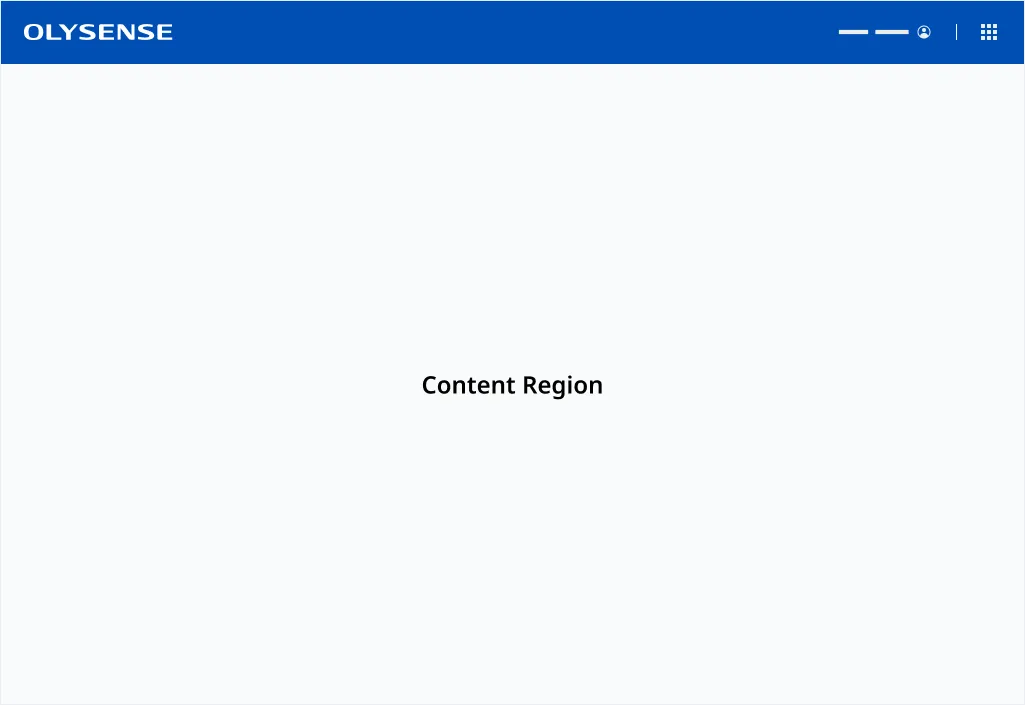
The Application Shell contains an Application Bar used for branding and cross-platform functionality. Layouts, such as Page and Navigation are placed inside the Content Region of the Shell Layout.
Importing
import '@ods/components/web.shell-layout';Note: You only need to import a web component once in your code, as it registers itself globally when defined, allowing you to use it anywhere within your application without needing to re-import it each time you want to use the component.
This component is still in development and cannot be imported at this time.
Slots
| Name | Description |
|---|---|
| shell-header | The slot used to render the shells Application Bar |
| shell-main | The slot used to render the shells main content or micro application |
Properties
Please note, both DOM properties and HTML attributes are shown in the table below. Unless otherwise specified, the property and attribute names are identical.
| Property/Attribute | Reflects | Type | Default |
|---|---|---|---|
outlines | boolean | false |
Parts
| Name | Description |
|---|---|
| base | The component's base wrapper. |
Usage
Do
- Use Application Views within the Content Region of the Application Shell
- Use the appropriate Application Bar for your application and user type
Dont
- Collapse or hide the Application Bar
- Change the Application Bar between views